
What’s new in Ignite PC 1.2: Smart Clean, Activity & Undo and 20 more tools
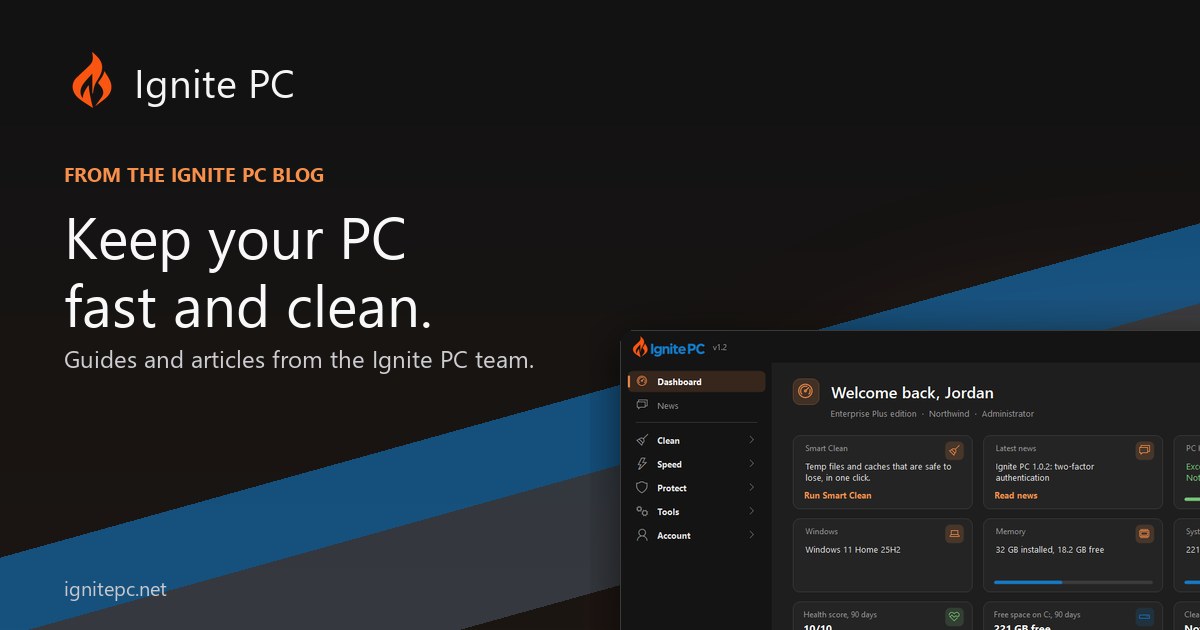
Ignite PC 1.2 is the biggest update since launch. It adds more than twenty tools, reworks the dashboard around a health score, and gives every settings change an undo. Here is the tour, group by group.
Dashboard
The dashboard now opens with a health score for the PC and a short list of recommendations: what to clean, what to turn off at startup, what needs attention. Trend cards show free disk, memory and startup count over time, so you can see whether things are getting better or worse. Smart Clean runs the everyday clean in one click, using the categories you have approved before.
Clean
- Smart Clean, with a history of what each run freed.
- New Cleaner categories, with the file list shown before anything is removed.
- Clutter: old downloads, empty folders and leftovers, sent to the Recycle Bin.
- Duplicates now finds similar photos, not just identical files.
- Uninstall leftovers: the folders and registry entries programs leave behind.
- Disk Usage with a space map, so the big folders are obvious at a glance.
- Bloatware remover and File Shredder (Professional).
Speed
- Startup impact: how much each startup item costs, with the option to delay items rather than disable them.
- Boot slowdowns: what made the last boot slow.
- Service presets for common setups, and a TRIM / optimise page for drives.
- Visual effects, Game Boost, tweaks and switches, all listed on Activity & Undo.
- Processes, Benchmark and Battery pages.
Protect
- Privacy score, with each setting explained and reversible.
- App Permissions: which apps can use the camera, microphone, location and more.
- Browser Extensions across Chrome, Edge, Brave, Vivaldi, Opera and Firefox, with broad permissions marked.
- Autoruns, Backups status and Windows Update in one place.
- Network: DNS benchmark, Wi-Fi report and a hosts block list.
Tools and the app itself
- Activity & Undo: every settings change the app makes, with a Revert button. Registry fixes are backed up to a .reg file first.
- Scheduler (Professional): cleaning at sign-in or daily, with only the categories you ticked.
- Help & Support inside the app, with tickets that include a system report when you choose to attach one.
- Ctrl+K opens a command palette that jumps to any page.
- Light and dark theme, a redesigned sidebar and sign-in screen, and a new installer with a matching uninstaller.
Enterprise
The Fleet view lists every PC on the account with last seen, health, free disk and app version. Queue a clean, a snapshot or a repair and it runs the next time that PC checks in. Email alerts cover low health, low disk and PCs that have gone quiet. Enterprise Plus adds the organisation: invite members and set which tweaks and cleaner categories they may use.
Security and fixes
1.2.6 and 1.2.7 also carry security updates to the app, the installer and the update process, along with a round of fixes reported by users. Older versions keep working and get the update prompt as usual.
Getting it
Download 1.2.7 from the home page, or accept the update prompt inside Ignite PC. Every new account gets a 14-day Professional trial, so every page above can be tried before buying.